
Twelve weeks. Every child builds their own video game.
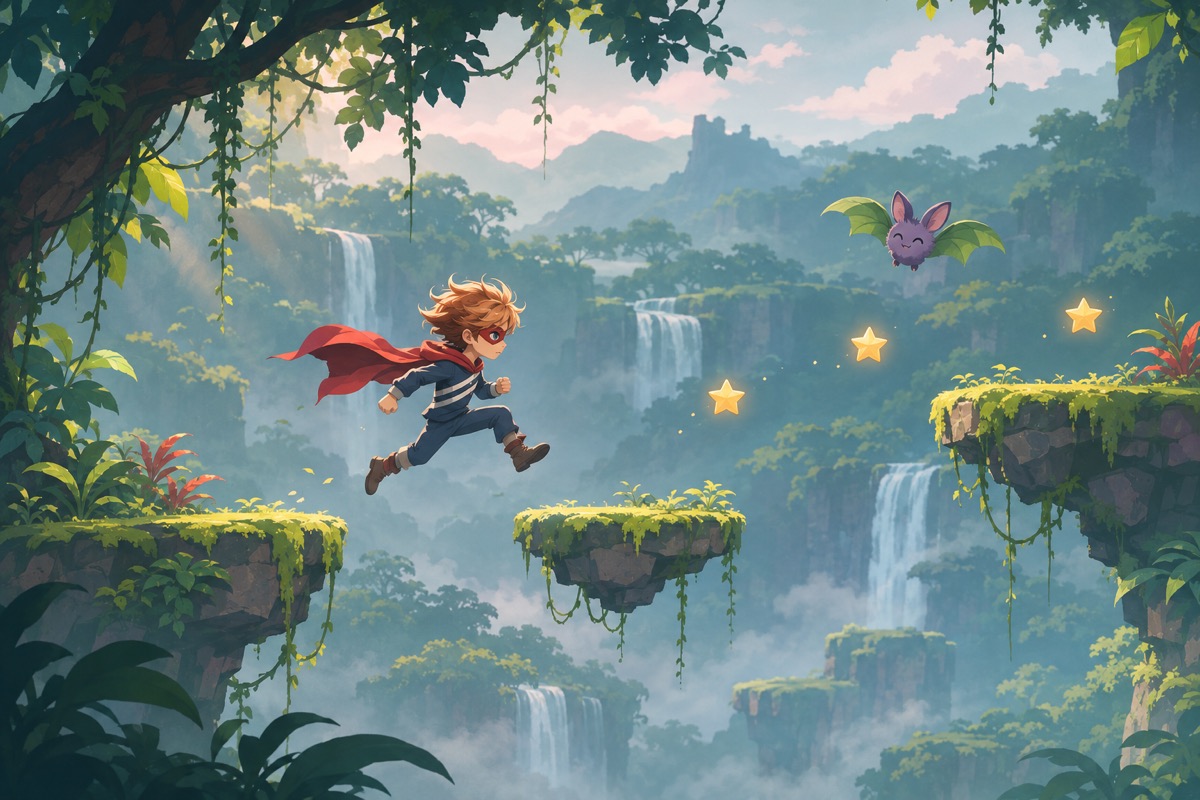
Every child builds a simple game starring their hero, just by chatting with an AI. The child is the game designer; AI writes the code; the game runs right next to the chat, so they test every change instantly.
-
Weeks 1–3
Design the game
Find what makes a game, then build version 0 in one message.
-
 Weeks 4–6
Make it work
Controls, score and lives, then the villain as the boss.
-
Weeks 7–9
Make it good
Hunt the bugs, add levels, then sound and sparkle.
-
Weeks 10–11
Make it ready
Real players test it, then the cover, the credits and a peek at the code.
-
 Week 12
Game Arcade Day
Parents play every game, and kids defend their high score.
The adventure at a glance
- Topic
- Game design and building with AI
- Goal
- A playable game per child, played by parents at Arcade Day
- Length
- 12 weeks · 1 hour a week
- Ages
- 8–9 and 10–11 tracks
- Starts from
- The hero, villain and sounds from Adventures 1 and 2
- How it’s built
- Children chat with AI; the game runs next to the chat
- Coding needed?
- None. They learn how games work along the way
What every child leaves with
- A playable game
- A private game link
- A year portfolio
- A certificate
Week by week
Five phases, one mission a week.
Design it, make it work, make it good, make it ready, Arcade Day. Every week ends with a playable version saved as a checkpoint.
- 01What is a game?Game design card
- 02Your first game in one messageGame, version 0
- 03Bring your hero inGame starring the hero
- 04Controls and rulesHero moves, rules work
- 05Score, lives and timerStart, play, end
- 06Enter the villainA real challenge
- 07Bug huntBug-free version
- 08Levels and difficulty2–3 levels
- 09Sound and sparklePolished game
- 10Playtest dayVersion 1.0
- 11Peek at the codeFinal game
- 12Game Arcade DayPublished game
How a session runs
One hour a week, same rhythm every time. The teacher follows the script; Candide runs the AI.
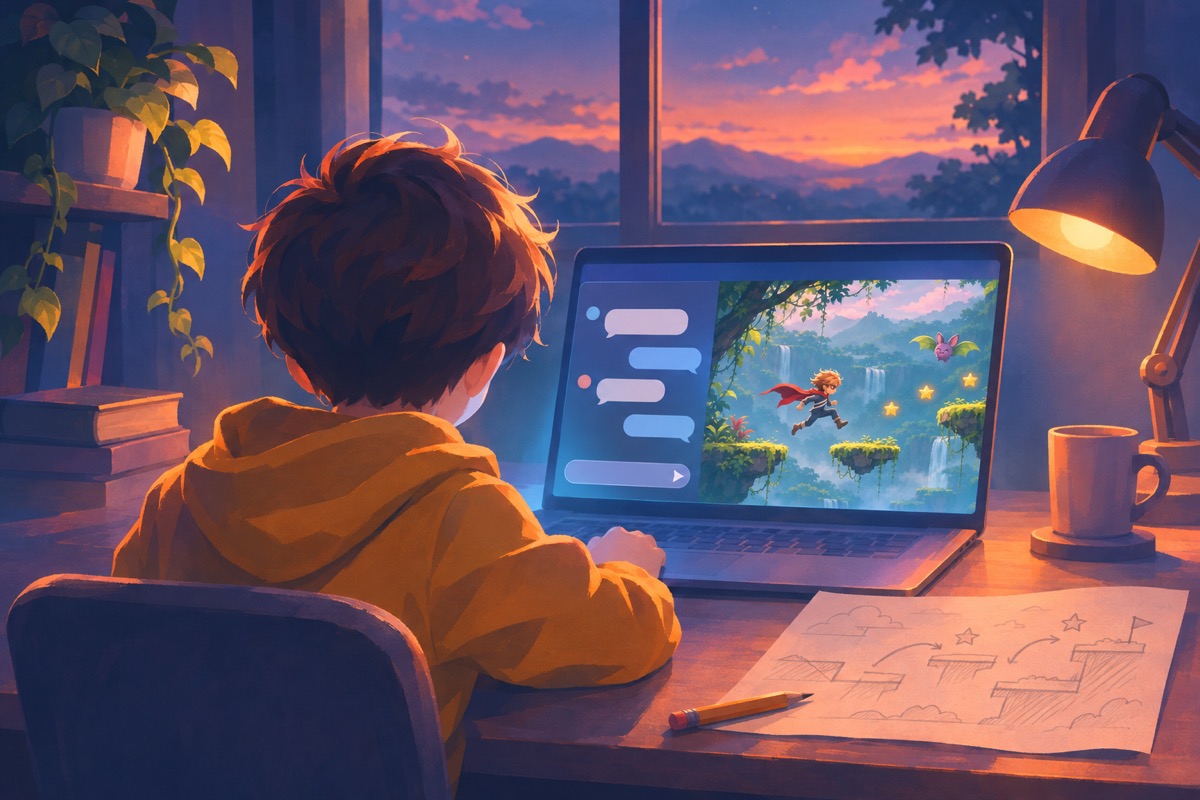
Children describe a change, the AI updates the game, they press Play and test. The last ten minutes become a playtest.
-
01 · Warm-up · 5 min
Kids join and focus
A one-minute mini-game on the class screen. Children spot one game idea: a rule, a variable or a bug.
-
02 · Mini-lesson · 10 min
The teacher builds one change live
The week’s short video, then the teacher makes one change in the chat on the class screen to show the mission.
-
 03 · Studio time · 35 min
Every child builds
They describe one change, the AI updates the game, they press Play and test. Then the next change.
-
04 · Playtest · 10 min
Swap seats and play
Each child plays a neighbour’s game and gives one tip. Everyone saves a checkpoint before leaving.
-
Rule 1 · One change per messageSmall steps are easier for AI to get right, and for you to test.
-
Rule 2 · Play after every changeNever stack changes without testing them.
-
Rule 3 · Save when it worksMake a checkpoint before trying something big.
-
Rule 4 · Report bugs like a detectiveWhat you did, what happened, what should have happened.
What children learn
Eight skills, learned by building a game of their own.
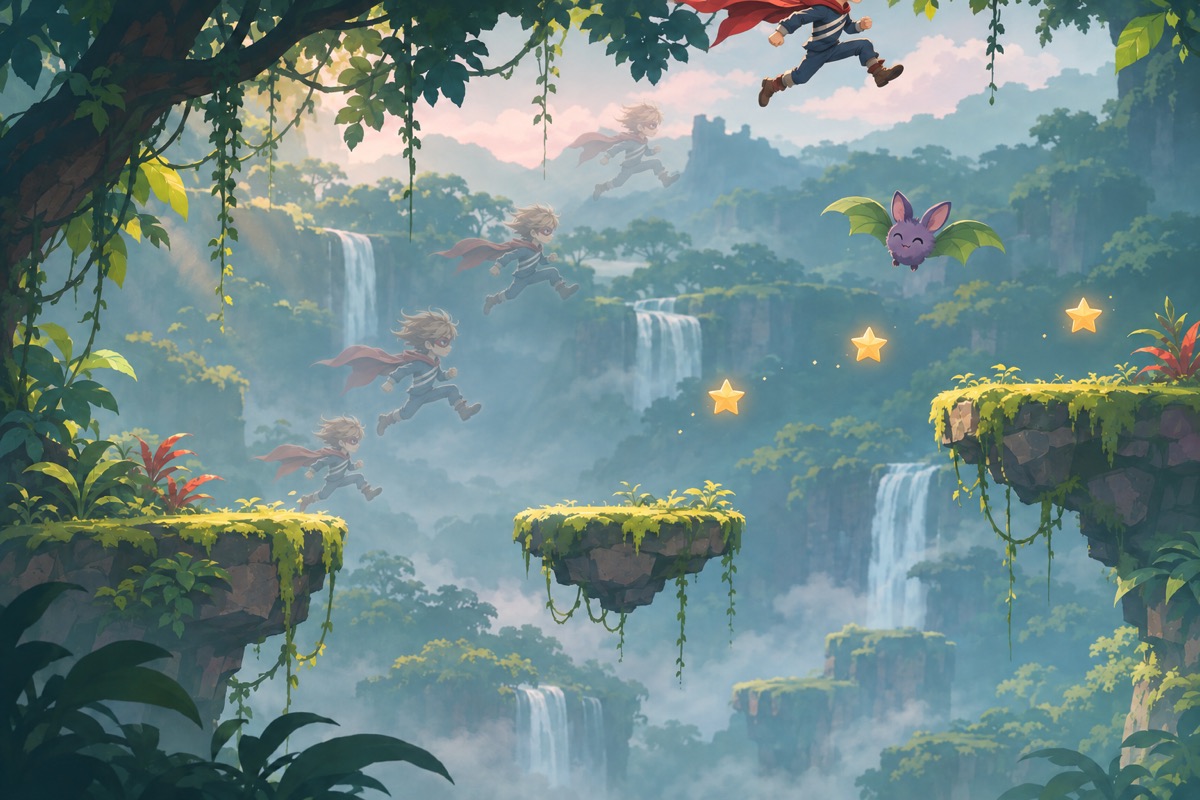
Week 7 starts with this: the same bug, reported two ways. Children see for themselves that the AI can only fix what they describe clearly.
the game is broken, fix it
Two bugs instead of one.
When I press space twice in the air, Rafi keeps going up and flies off the screen. He should only jump again after he lands.
Fixed in one message.
- Giving exact instructionsComputers follow them word for word. Week 1.
- Building through conversationOne change per message. Weeks 2 and 3.
- Events and conditions“When I press space, the hero jumps.” Week 4.
- VariablesScore, lives and a timer the game remembers. Week 5.
- Describing behaviour preciselyExactly how the villain moves. Week 6.
- DebuggingClear bug reports, and going back to a checkpoint. Week 7.
- Testing with real playersToo easy or too hard? Count the tries. Weeks 8 and 10.
- Reading code, crediting AIChange a number by hand; say what AI wrote. Week 11.
Two age tracks
Same twelve missions. The older track gets more freedom.
Ages 8–9
- Game
- One of 3 templates: catch, maze or runner
- Starting point
- A template game, playable in week 2
- Chatting
- Suggested prompt buttons and voice input
- Levels
- 2 levels
- Extras
- Score and lives
- Code
- Code view hidden
- Bug reports
- A picture card: what I did, what happened
Ages 10–11
- Game
- Free choice, including a simple platformer
- Starting point
- Built from their own first message
- Chatting
- Typed messages, buttons optional
- Levels
- 3 levels and a boss fight
- Extras
- Score, lives, timer and power-ups
- Code
- Find and change 3 numbers by hand in week 11
- Bug reports
- Written reports, then they test the fix
Safety
A game builder with the guardrails built in.
Every rule from Adventures 1 and 2 still applies. Games and AI-written code add these.
-
Single-player onlyNo multiplayer, no chat between players, no accounts inside games.
-
A sealed play boxGames run with no internet access: no links, no outside content, no data collection.
-
Cartoon conflict onlyEnemies get bonked and vanish in a sparkle. No blood, no weapons, no “kill”.
-
No gambling, no shopsNo loot boxes, spinning wheels, betting or fake shops.
-
No copies of famous gamesNames of well-known games and characters are blocked in the chat.
-
A builder that stays on topicIt only talks about building the game, and the teacher sees every chat.
-
Private sharingGame links are shared only after the teacher approves, never on public game sites.
-
Games with an endingShort games, with no endless loops built to keep children playing.
Week 12 · Game Arcade Day
Parents don’t just watch. They play.
The classroom becomes an arcade and every child’s game runs on its own station. Candide supplies the class arcade page, cover cards, stamp cards, awards, certificates, the portfolio cover and the invitation in English and Arabic.
-
Arcade stationsEach game on a laptop or tablet, with its printed cover card.
-
Parents playAn arcade card, at least five games to play, and a stamp at each one.
-
High-score boardsEach game shows the day’s top scores, and kids defend their record.
-
Awards for every childMost Fun Game, Hardest Boss, Best Hero Design, Bug Squasher, and more.
The hero comes back all year
- 01Available now
- 02Coming soon
- 03Make Your Hero’s Video GameComing soon
Adventure 3 · In preparation
Start with Adventure 1 next term.
Adventure 3 closes the year with the hero children invented in Adventure 1. Book a 20-minute demo and we’ll show you one mission end to end and how the year fits together.